
Twine3D
About
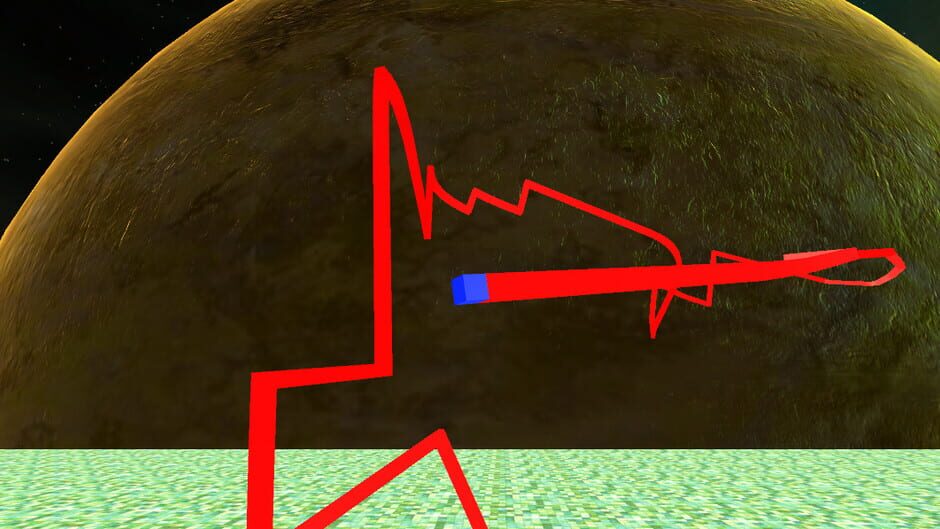
Twine3D is a third person view control path craft game. Control: Move forward:default keyboard button w; Move back:default keyboard button s; Move left:default keyboard button a; Move right:default keyboard button d; Move up:default keyboard button space; Move down:default keyboard button q; Long click mouse left button to rotate the camera; Long click mouse right button to rotate the player cube; Two Game Mode:Creative and Chase. Game Mode Creative:free to move.Player can save the scene as a Twine3D file, and load a Twine3D file to create the scene. Game Mode Chase:control the player cube to chase the AICube.Dodge the AICube path and walls,twine the AICube until win.
Media
SCREENSHOT
Community Reviews
Your Review
No reviews yet. Be the first to review!
Game Info
PublisherUnknown
DeveloperUnknown
Rating
Release Dates
Worldwide
PC (Microsoft Windows)December 15, 2017
Cover Art